




Last updated
-
in Standard
-
Hits: 1281
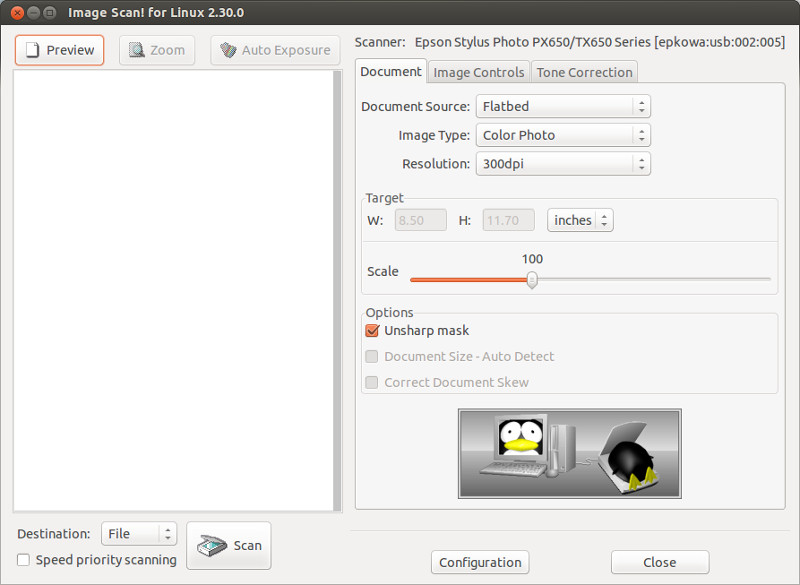 Utility for using Epson scanners, as well as scanning functions in Epson MFPs and other SANE-compatible scanners.
Supports automatic scanning of documents and saving scanned files in PDF and other formats.
Please note that some scanners require non-free plugins before they can be used with this software.
-
in System utilities
-
Hits: 3694
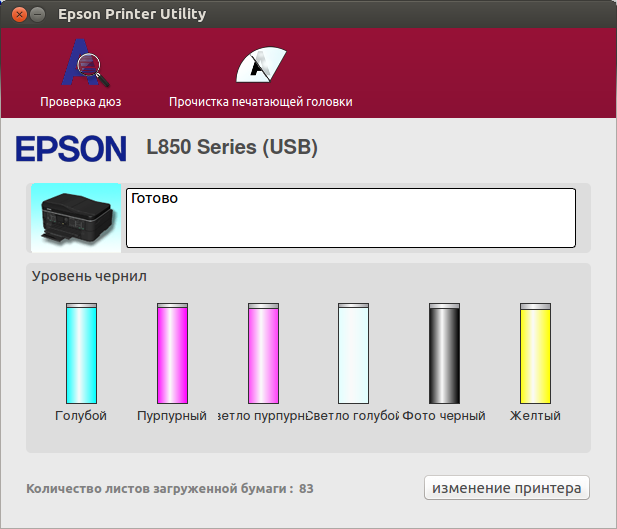 This is the official software from the manufacturer for EPSON printers and MFPs.
Using it, you can check the ink level, error type and other status, as well as check and clean the print head nozzles.
For correct operation, you need a pre-installed official printer or MFP driver.
-
in Tools
-
Hits: 30643
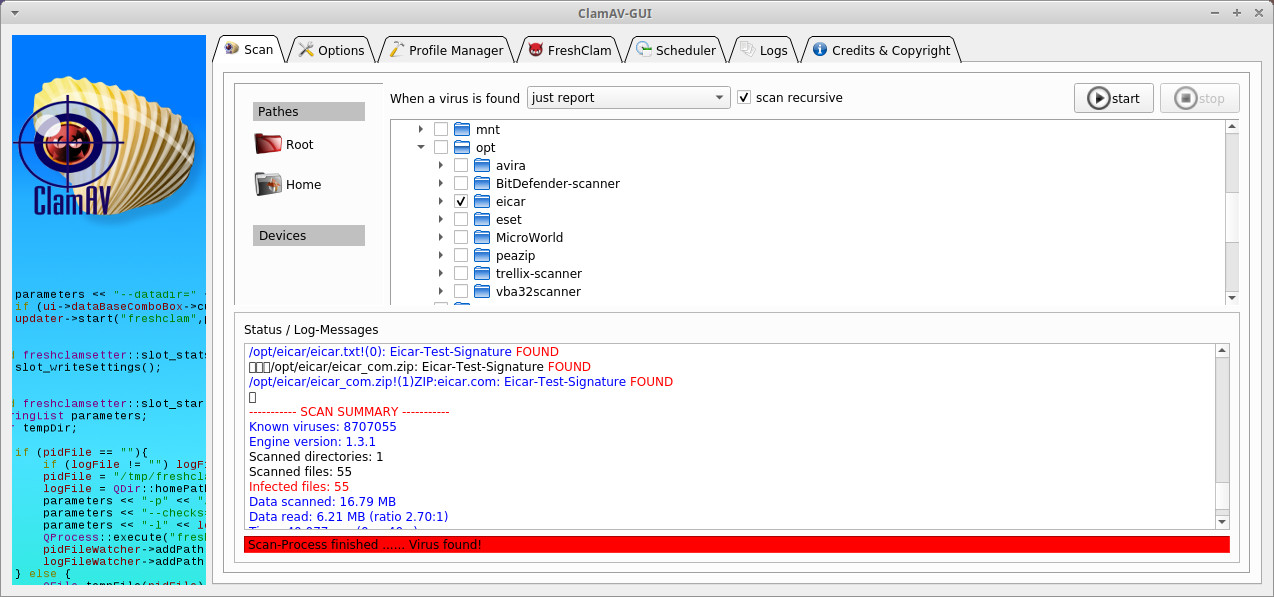 ClamAV-GUI is a user-friendly graphical interface for ClamAV (Clam Antivirus). It is designed to be an easy-to-use, lightweight on-demand scanner for Linux systems.
ClamAV® is an open-source antivirus engine for detecting trojans, viruses, malware & other malicious threats.
Features ClamAV:
-
in Network
-
Hits: 563
 Connect to any computer remotely at the speed of light. NX technology makes NoMachine the fastest and best remote access solution available. Access your computer on the other side of the world with just a few clicks. Access your desktop wherever it is, from any device, and share your desktop with others. NoMachine is now your private, secure server.
-
in Network
-
Hits: 4377
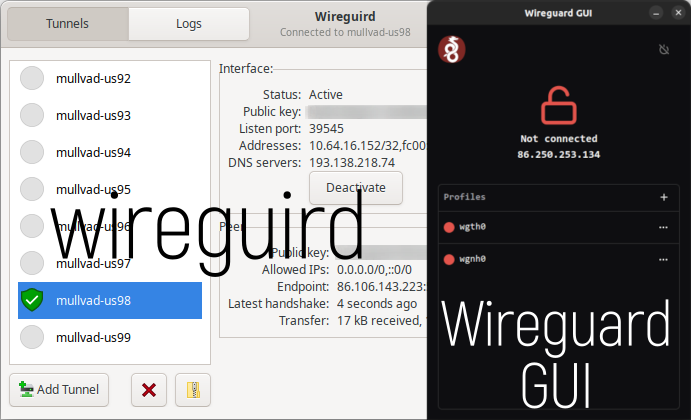 Wireguard GUI is a Linux application that allows you to manage your Wireguard VPN configuration.
Features:
- The system tray icon turns red when connected and black when disconnected.
- Looks the same and does almost the same as the official Wireguard GUI client for Windows.
- Add/Edit/Delete a profile
- Start/Stop a profile
-
in System utilities
-
Hits: 1990
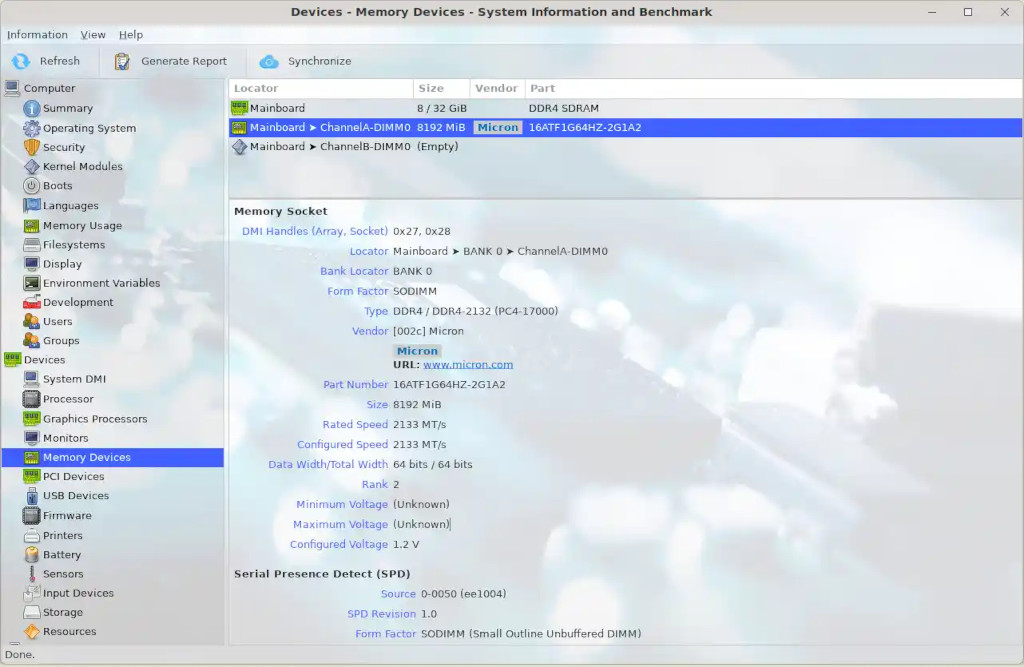 HardInfo - displays information in a convenient graphical interface about the hardware and operating system, with the ability to test speed and performance.
Currently detects most software and hardware detected by the OS.
Features:
-
in Standard
-
Hits: 2490
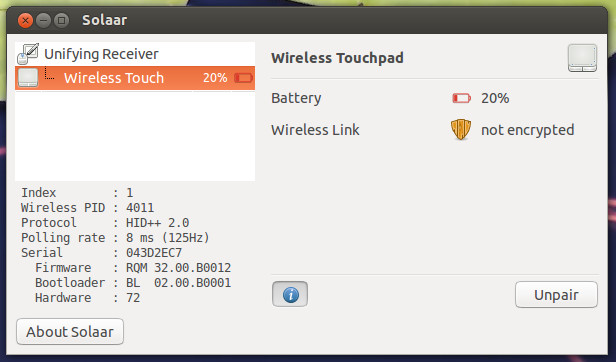 Solaar allows you to manage devices connected to the Unifying/Bolt/Lightspeed/Nano Receiver, as well as perform additional settings on equipment that supports this (for example, set the Fn key mechanism, smooth scrolling or DPI).
-
in Tools
-
Hits: 180
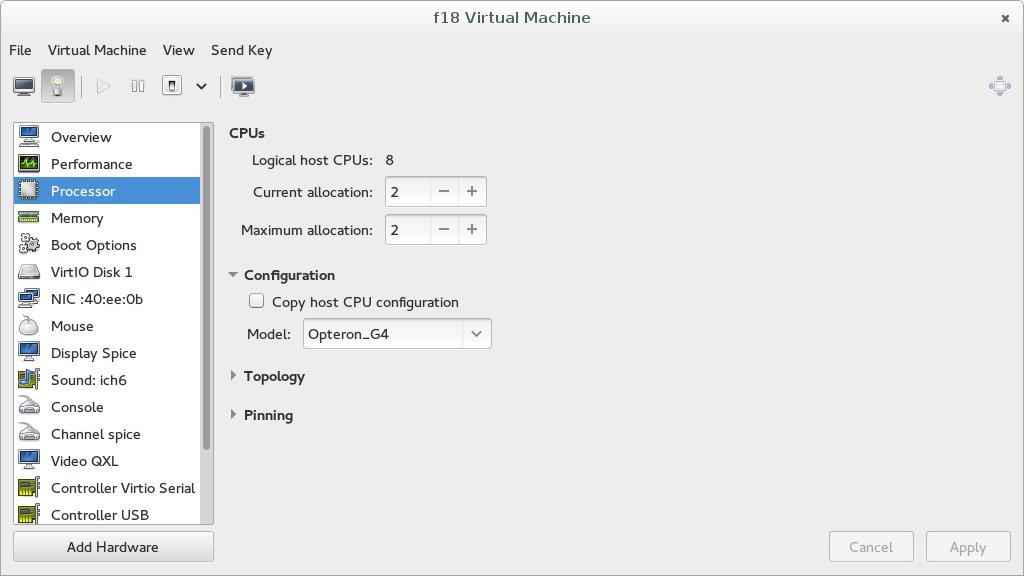 Virt-Manager is a desktop user interface for managing virtual machines, primarily focused on KVM/QEMU virtual machines, but can also manage XEN and LXC Linux container virtual machines.
It provides a summary of running domains, their real-time performance, and resource usage statistics. Wizards allow you to create new domains, as well as configure and adjust domain resource allocation and virtual hardware. A built-in VNC and SPICE client provides a fully functional graphical console for guest domains.
.
-
in Tools
-
Hits: 3263
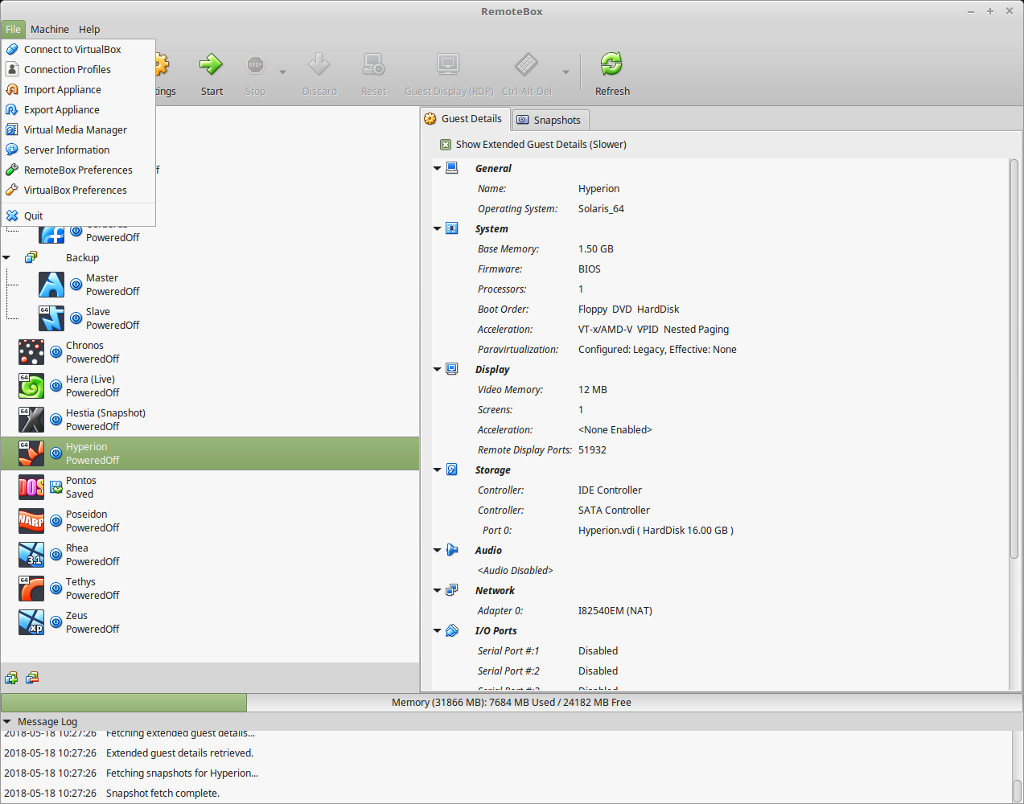 RemoteBox is a graphical utility that allows you to administer virtual machines running in VirtualBox over a network, either on a remote server or on a local machine. This allows you to remotely administer a server running VirtualBox and interact with the virtual machines as if they were running locally.
VirtualBox is installed on the "server" machine, and RemoteBox runs on the "client" machine. RemoteBox provides a full GTK graphical interface with a look and feel very similar to the built-in VirtualBox GUI.
-
in System utilities
-
Hits: 1316
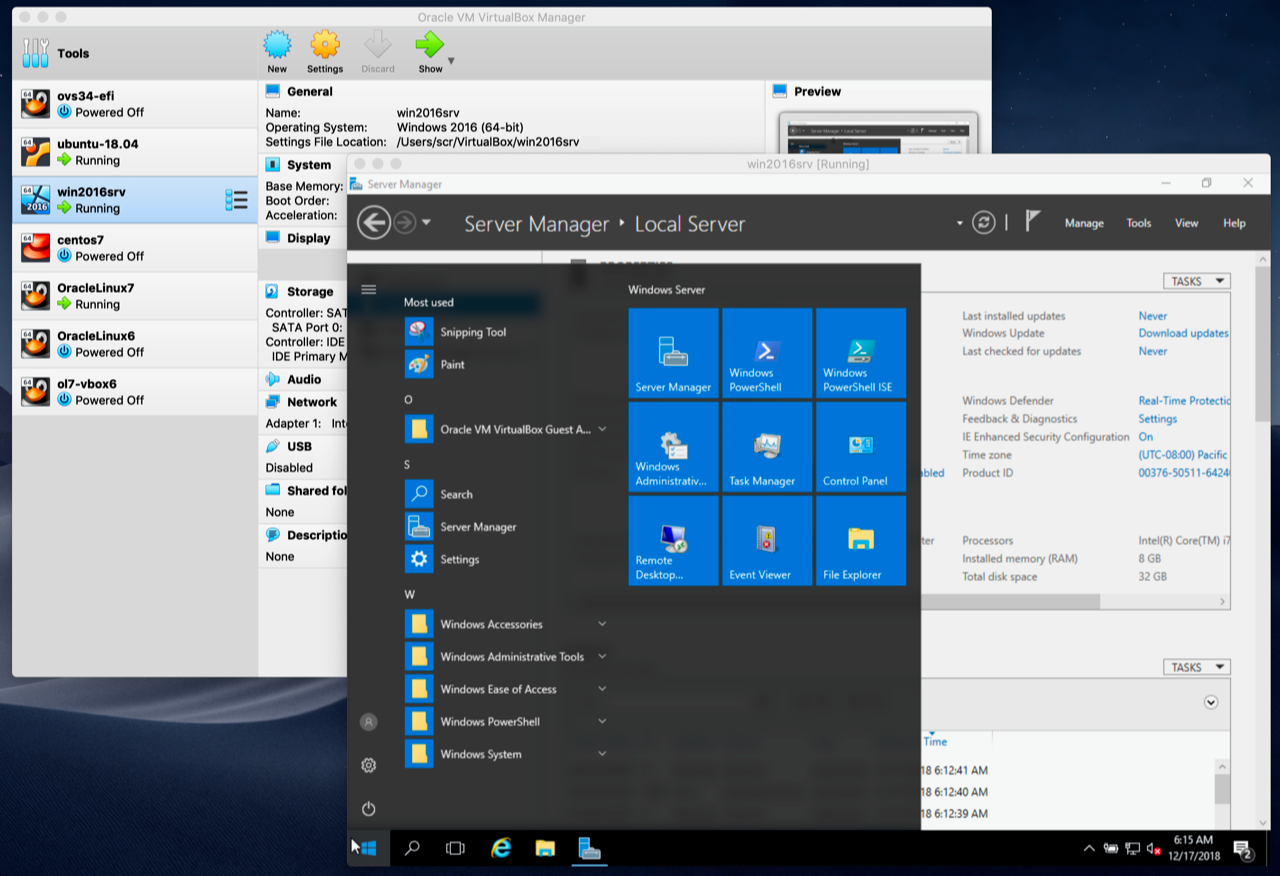 Oracle VM VirtualBox is a software product that is a powerful virtualization solution and allows you to run a wide range of operating systems such as Microsoft Windows, Linux, FreeBSD, Mac OS X, Solaris / OpenSolaris, ReactOS, DOS and others on your system.
It comes with a wide range of features and shows excellent performance, making it a premium software in the virtualization solutions market.
Page 1 of 100
LLC UALinux
Contact us at: Viber - WhatsApp - Telegram
E-Mail: [email protected]
Call: +380 (97) 33-55-1-88
Working hours: Mon–Fri, 10 a.m. to 5 p.m. (GMT+2)
Join our communities: 

