

Graphics
 Alchemy is a drawing project aimed at exploring how we can draw, draw and create in new ways on computers.
Alchemy is not software for creating a finished piece of art, but a sketching environment that focuses on the absolute beginning stage of the creation process. Alchemy allows you to experiment and visually explore a wider range of ideas and possibilities.
 Blender is a complex 3D modeling, animation, rendering, post-processing, interactive creation and playback (games).
With its help, static pictures, animation, models for games, as well as interactive information content in the form of independent programs are created.
It is possible to automate the program using Python scripts. In particular, import and export to popular file formats, such as 3D Studio and Wavefront Obj, are implemented in the form of scripts.
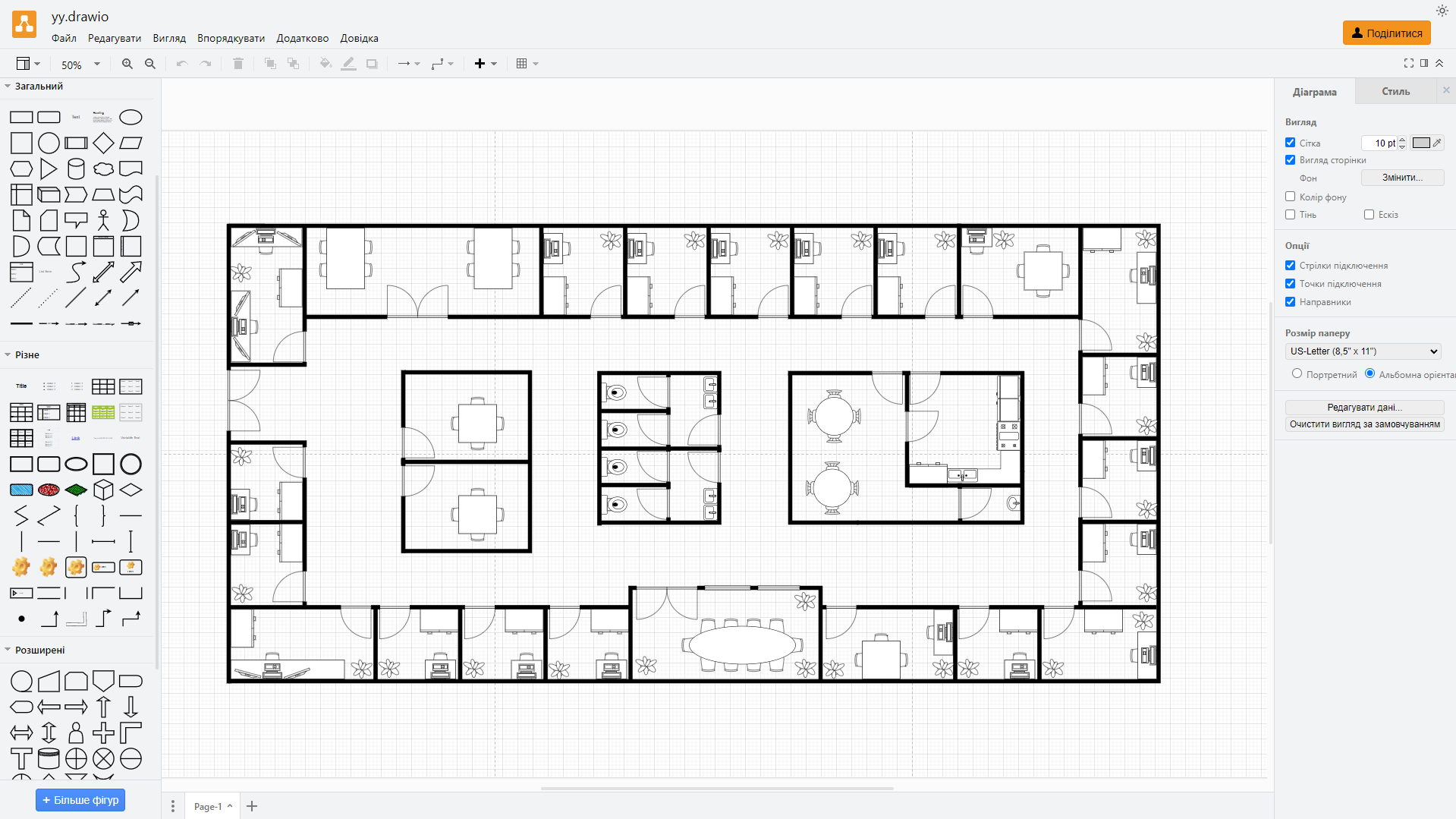 Draw.io is a tool for creating graphs, charts, tables, presentations, flowcharts, mind maps, business layouts, entity relationships, program blocks, floor plans, sales funnels, mind maps, site maps and more.
Has a rich set of functions for visualizing most user tasks.
Draw.io allows you to import and export to JPG, PDF, PNG, XML, SVG, VSDX, HTML.
Features:
 GIMP (a direct alternative to Adobe Photoshop) is a raster graphics editor, an alternative to Adobe Photoshop) for creating and processing raster graphics and partial support for working with vector graphics.
The editor supports more than thirty image formats and can work with layers, masks, filters and blending modes. The program has a huge range of tools for color correction and processing of any photographs and images.
Thanks to the user-friendly interface and nice features, learning to work in the editor is very easy.
 Hugin is a convenient application that allows the user not only to automate the process of stitching photos, but also allows you to manually, flexibly set parameters.
✔mosaic assembly mode, which allows you to assemble panoramas from pictures taken from different angles;
✔creation of polygonal masks, with which you can exclude unnecessary objects from the final panorama;
✔visualization of the entire project in the hardware-accelerated preview dialog, with which you can quickly assess the quality of alignment of overlapping images relative to each other;
✔grouping pictures taken with exposure bracketing - previously, time was wasted on aligning them relative to each other, even when it came to pictures of static objects taken from a tripod
 Inkscape (an alternative to Corel Draw) is a vector graphics editor, convenient for creating both artistic and technical illustrations (including use as a general-purpose CAD program, which is also facilitated by the ease of sharing drawings). It is widely used to create illustrations, icons, logos, diagrams, maps, as well as web graphics.
It contains advanced tools for work, comparable to the capabilities of Adobe Illustrator, CorelDRAW and Xara Xtreme. You can read save images in many formats including SVG, AI, EPS, PDF, PS and PNG. Inkscape has a comprehensive set of tools, a simple interface, support for many languages, and is extensible with custom add-ons.
 A simple application for drawing and editing images.
Provides a level of functionality suitable for the average user.
Ideal for general tasks such as drawing simple graphics and simple photo editing.
 Krita is an application for working with raster images. It allows you to both create images from scratch and work with ready-made images. You can work from photos or scans, or start from scratch. Krita directly supports most graphics tablets.
 Pencil2D It lets you create traditional hand-drawn animation (cartoon) using both bitmap and vector graphics.
The basic features of Pencil2D are:
+ layers support (separated layer for bitmap, vector and soud part)
+ bitmap drawing
+ vector drawing
+ sound support
 Pinta is an easy-to-use graphics editor. Its goal is to provide a simple and convenient experience for ordinary users.
Some of the supported features:
- image adjustment (automatic level correction, black and white image, sepia, ...)
- effects (motion blur, glow, warp, ...)
- working with layers
- unlimited depth of undo/redo actions
- drawing tools (brush, pencil, shapes, ...)
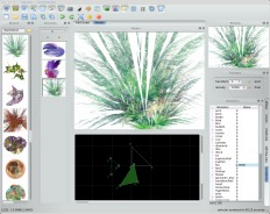 Graphical interface (Qt) for creating, editing, and rendering flam3 IFS fractal flame images, which can be saved as png files.

Designed for creating full-fledged animated films. Allows you to avoid creating intermediate frames, eliminating the need to manually draw each frame.
Page 1 of 2
LLC UALinux
Contact us at: Viber - WhatsApp - Telegram
E-Mail: [email protected]
Call: +380 (97) 33-55-1-88
Working hours: Mon–Fri, 10 a.m. to 5 p.m. (GMT+2)
Join our communities: 

