





Last updated
-
in Multimedia
-
Hits: 252
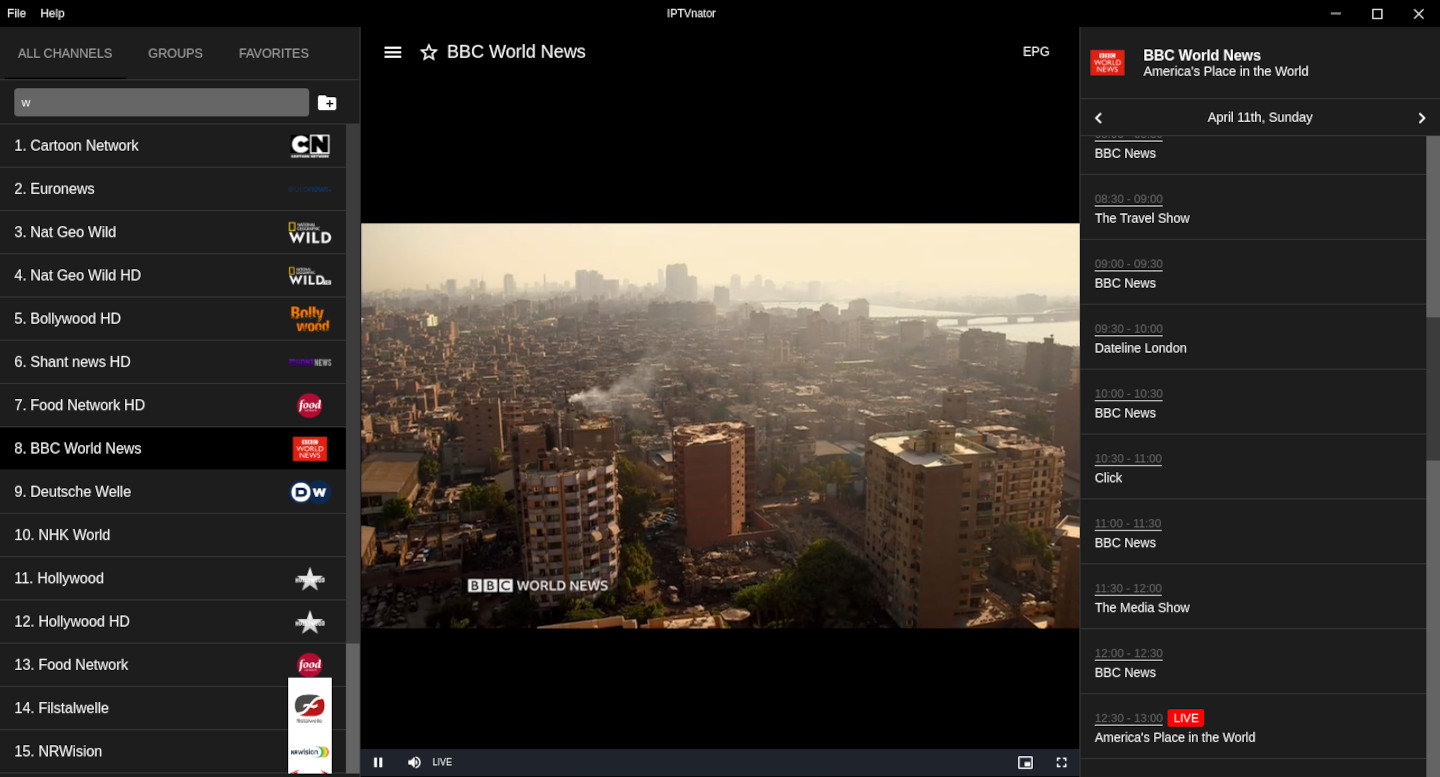 IPTVnator is an IPTV player designed for watching online television.
The program does not contain built-in channels and serves as a tool for playing user-created playlists.
Key features:
-
in Office
-
Hits: 803
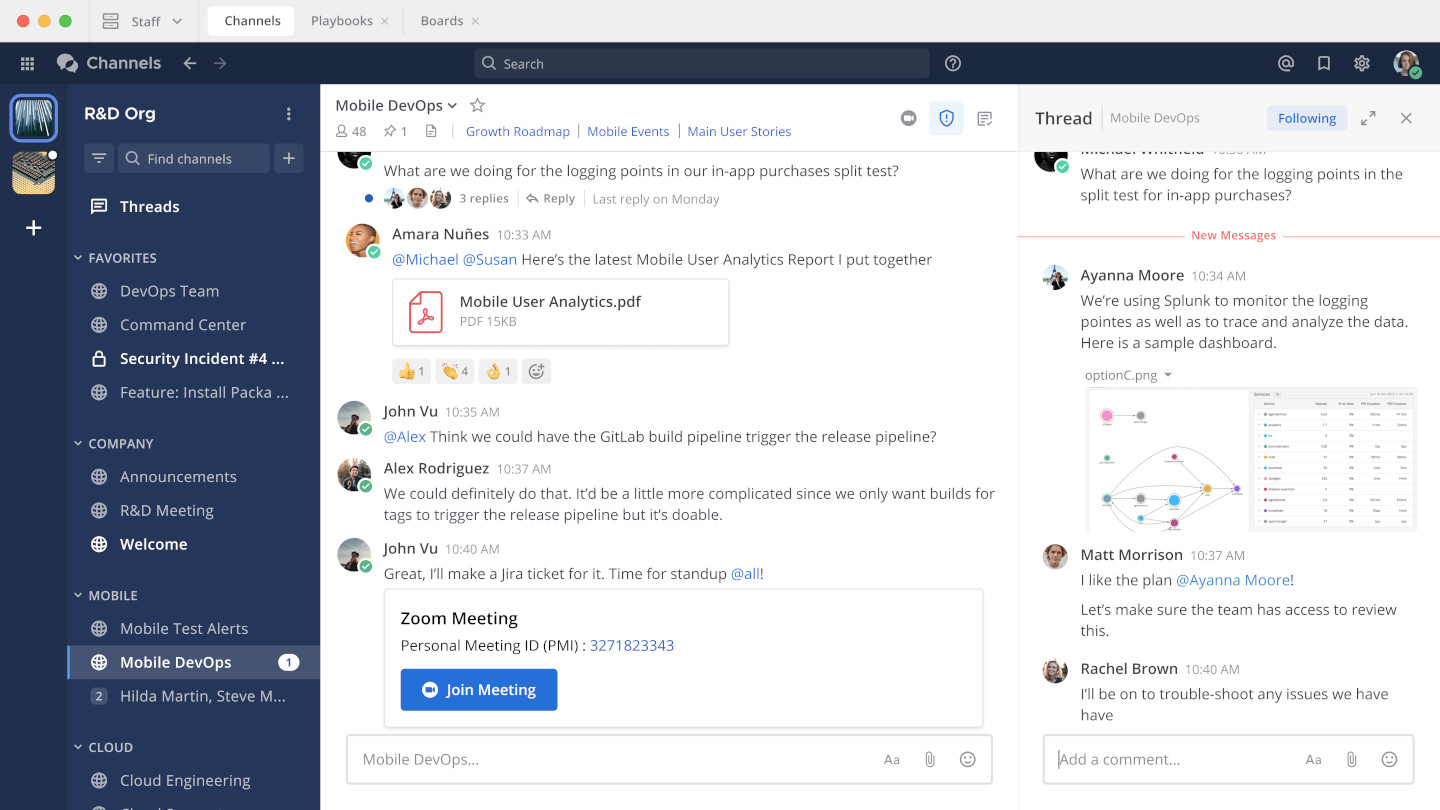 Mattermost is a corporate messenger for communication and project management within teams and organizations. It allows users to exchange messages and documents, comment on publications, create public and private channels, and set personalized notifications for new messages and user mentions.
It is often referred to as an alternative to Slack or Microsoft Teams.
It creates a unified space for team communication with easy information search and access to all necessary project documents, with the ability to export the entire correspondence history. It ensures the safety of all correspondence and ensures that data does not fall into the wrong hands.
What is it for and its main features:
-
in Network
-
Hits: 735

Webex is a platform for video conferencing, online meetings, collaboration, and messaging.
It is used in both business and education to conduct:
- Video calls and meetings
- Webinars and online courses
- Collaboration on documents and presentations
- Real-time messaging and file sharing
The platform competes with solutions such as Zoom, Microsoft Teams and Google Meet.
-
in Network
-
Hits: 1115
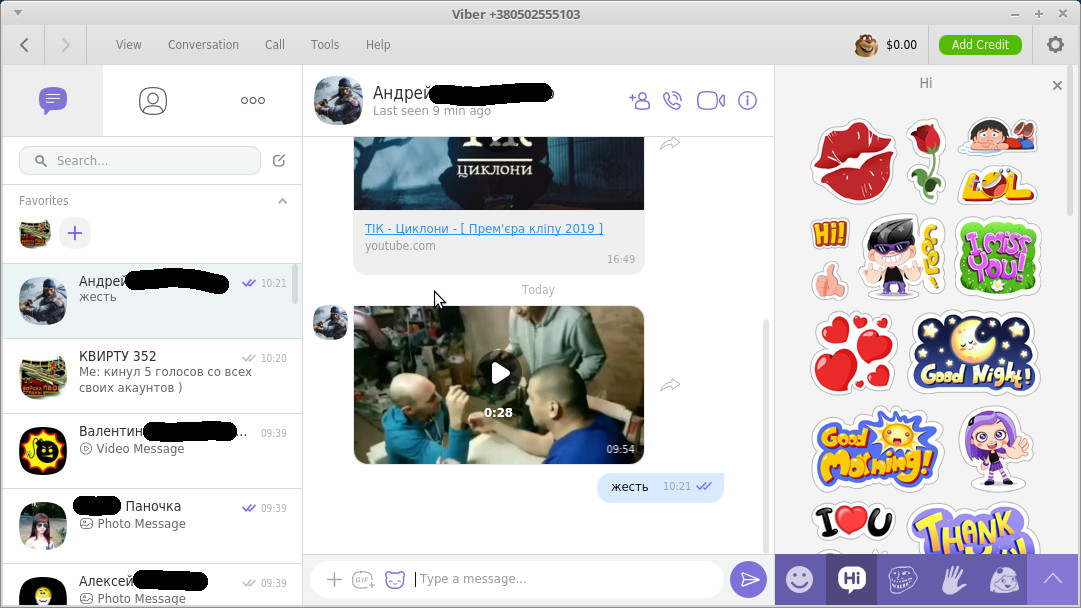 Viber lets you send free messages and make free calls to other Viber users on any device, network, in any country!
Viber syncs with your mobile contact list and automatically detects which of your contacts are on Viber.
- messages: text, photos and stickers
- group chats
- HD voice calls
- video calls
- full synchronization between mobile and PC clients
- moving incoming calls between devices
-
in Programming
-
Hits: 3413
 OpenWebStart is a modern replacement for the outdated Java Web Start technology and the JNLP (Java Network Launch Protocol) standard.
It provides the most commonly used features of Java Web Start and the JNLP standard, allowing you to continue to use and run Java applications that previously ran through Java Web Start without having to rewrite the code.
Features:
-
in Network
-
Hits: 1455
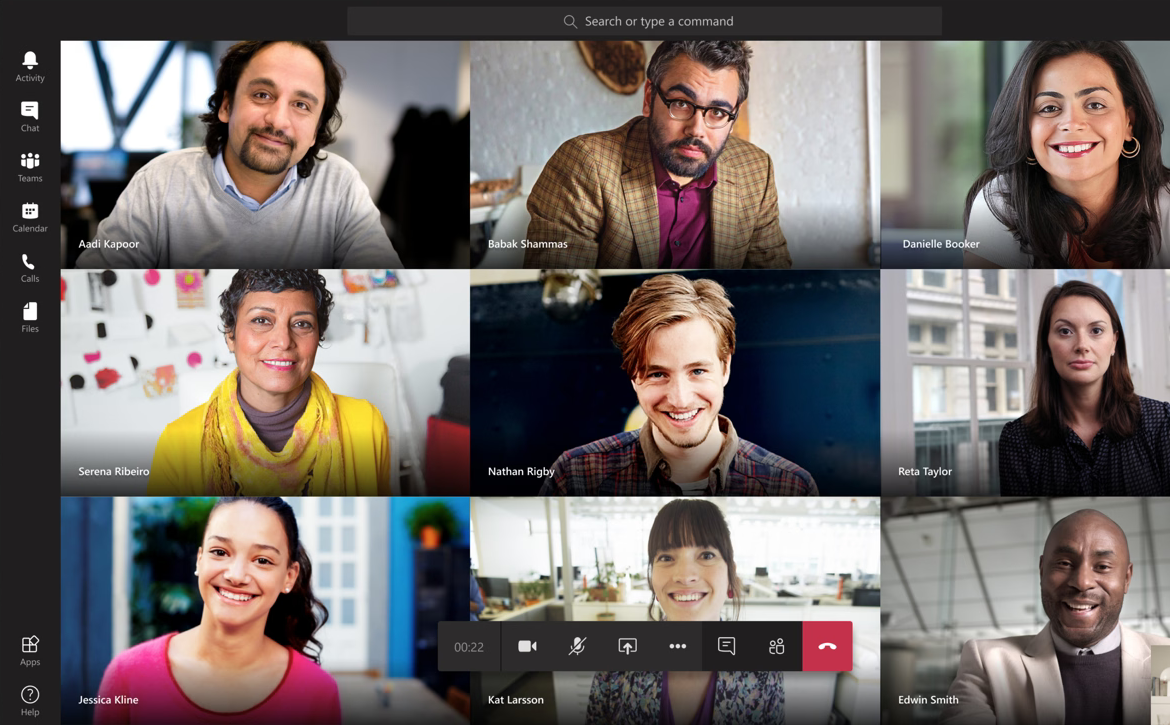 Microsoft Teams — an enterprise platform that integrates chat, meetings, notes, and attachments into a workspace. Developed by Microsoft as a competitor to the popular corporate solution Slack.
-
in Office
-
Hits: 1775
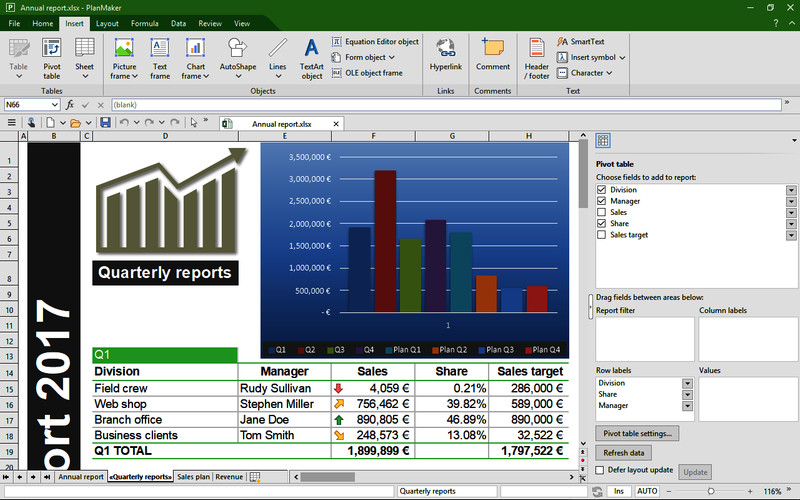 SoftMaker FreeOffice is an office suite that has good compatibility with Microsoft Office application file formats and provides most of its functions and features.
This is one of the best free alternative offices that is not inferior in functionality.
It includes:
- TextMaker - text editor (Word)
- PlanMaker - calculations, spreadsheets and charts (Excel)
- Presentations - presentation creation (Power Point)
-
in Network
-
Hits: 587
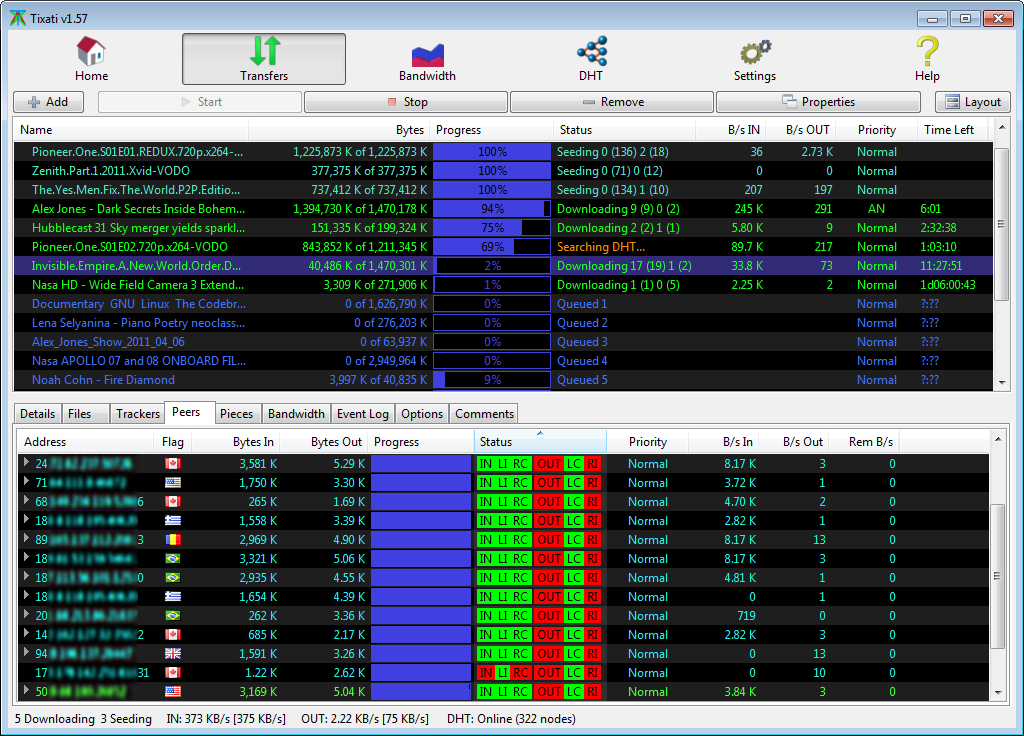 Tixati is a fast, lightweight and powerful BitTorrent client for P2P systems with a rich selection of features that is simple and easy to use.
Here are some key features of Tixati:
-
in Office
-
Hits: 2852
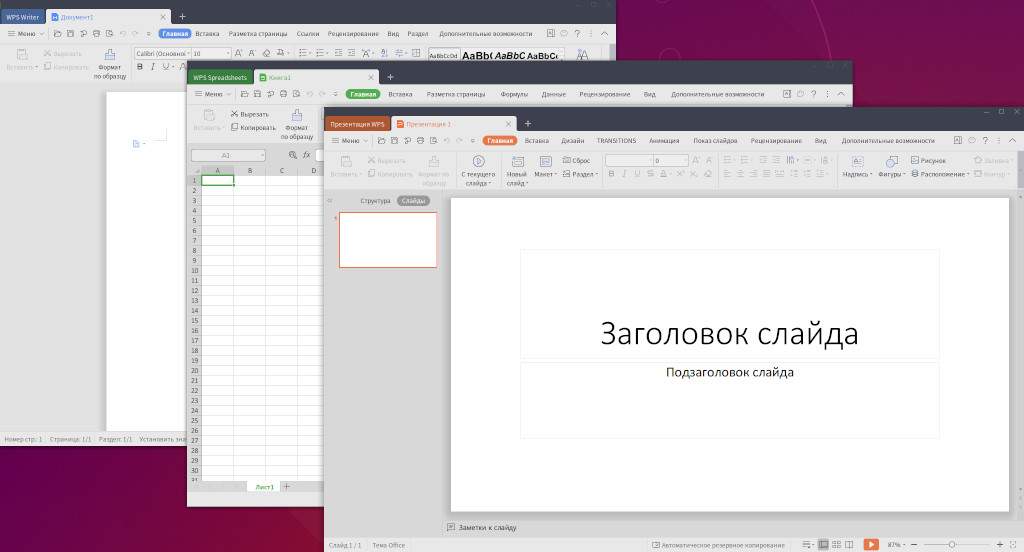 WPS Office is a powerful office suite that has good compatibility with Microsoft Office application file formats and provides most of its functions and capabilities.
It includes:
* Writer - text editor (Word)
* Spreadsheet - spreadsheets, calculations and charts (Excel)
* Presentation - wizard for creating presentations (Power Point)
The user interface is presented with modern ribbons in the style of MS Office 2019.
The interface language can be in English, Russian and Ukrainian.
-
in System utilities
-
Hits: 2005
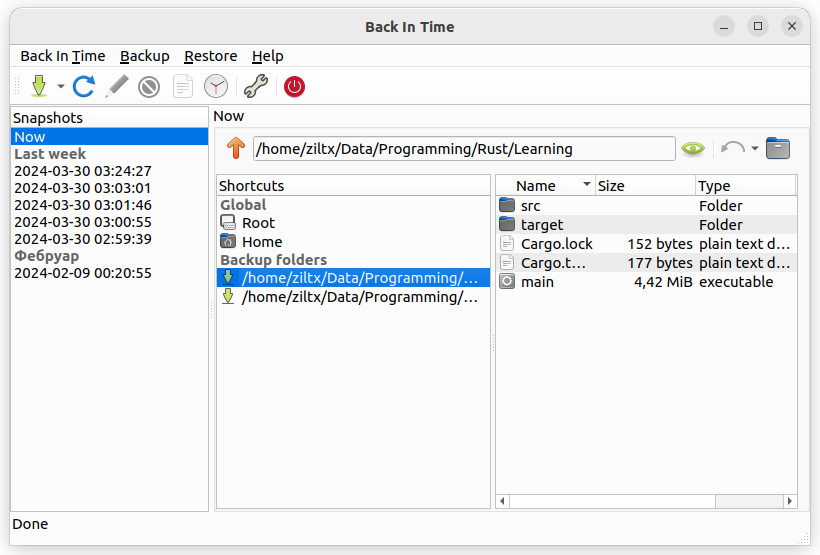 Back In Time – a backup program that uses incremental snapshots with minimal disk space usage thanks to rsync hard link technology. It offers both a graphical interface and a command line, making it convenient for users of all skill levels.
Key features:
Page 3 of 100
LLC UALinux
Contact us at: Viber - WhatsApp - Telegram
E-Mail: [email protected]
Call: +380 (97) 33-55-1-88
Working hours: Mon–Fri, 10 a.m. to 5 p.m. (GMT+2)
Join our communities: 

