





Network

Webex is a platform for video conferencing, online meetings, collaboration, and messaging.
It is used in both business and education to conduct:
- Video calls and meetings
- Webinars and online courses
- Collaboration on documents and presentations
- Real-time messaging and file sharing
The platform competes with solutions such as Zoom, Microsoft Teams and Google Meet.
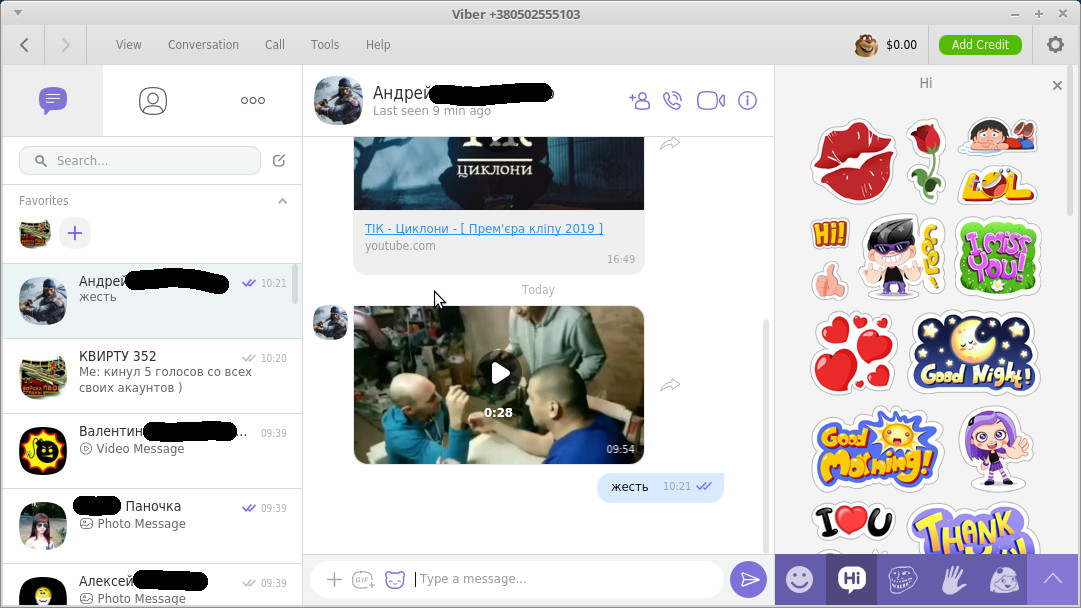 Viber lets you send free messages and make free calls to other Viber users on any device, network, in any country!
Viber syncs with your mobile contact list and automatically detects which of your contacts are on Viber.
- messages: text, photos and stickers
- group chats
- HD voice calls
- video calls
- full synchronization between mobile and PC clients
- moving incoming calls between devices
Page 3 of 10
LLC UALinux
Contact us at: Viber - WhatsApp - Telegram
E-Mail: [email protected]
Call: +380 (97) 33-55-1-88
Working hours: Mon–Fri, 10 a.m. to 5 p.m. (GMT+2)
Join our communities: 


Copyright ©
2026 UALinux